
Download Vivaldi – Fast, Secure, and Highly Customizable Web Browser
Overview
Vivaldi is a modern web browser designed for power users who crave flexibility without sacrificing ease of use. Built on the same Chromium engine that powers Chrome, Vivaldi delivers the speed and compatibility you expect from a mainstream browser while offering a toolbox of personalization options rarely seen elsewhere. From the moment you launch Vivaldi, you’ll notice a clean, uncluttered interface that can be reshaped to match your workflow.
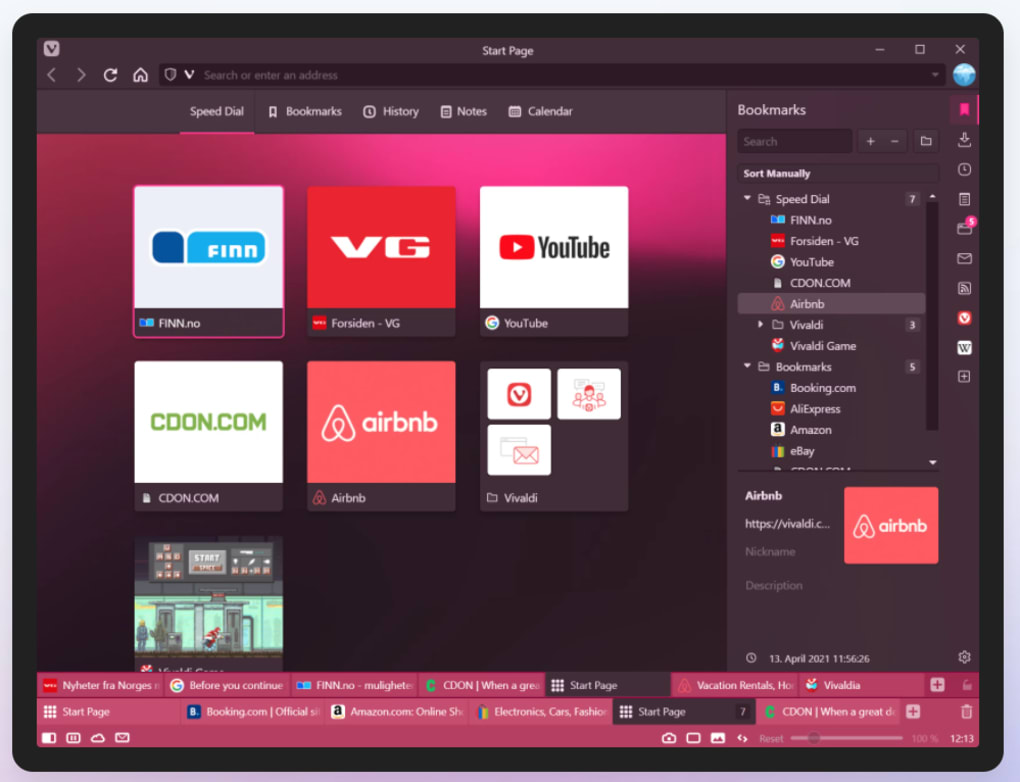
The default layout mirrors familiar browsers with a navigation bar, address bar, and tab strip, but everything beneath the surface can be tweaked: move tabs to the side, stack them, or group them by theme; add a persistent sidebar that houses bookmarks, downloads, notes, and even custom web panels; and configure keyboard shortcuts for virtually any command. Vivaldi also supports Chrome extensions, meaning you never lose access to your favorite add‑ons. Privacy‑focused users will appreciate the one‑click tools for clearing cookies, cache, and saved passwords, while visual enthusiasts can enable the adaptive interface that tints the UI to match the active page’s dominant color.
Whether you’re a casual surfer, a developer juggling dozens of tabs, or a researcher needing quick note‑taking, Vivaldi’s blend of simplicity and depth makes it a compelling alternative to Chrome, Firefox, or Edge.
Key Features That Set Vivaldi Apart
- Extreme Tab Customization: Position tabs on any side of the window, stack them, or group them into tab stacks for better organization.
- Powerful Sidebar: Access bookmarks, downloads, notes, and web panels without leaving the current page.
- Web Panels: Pin frequently visited sites (e.g., social media, email) as small, always‑visible panels.
- Notes Tool: Write quick notes attached to any website, eliminating the need for external note‑taking apps.
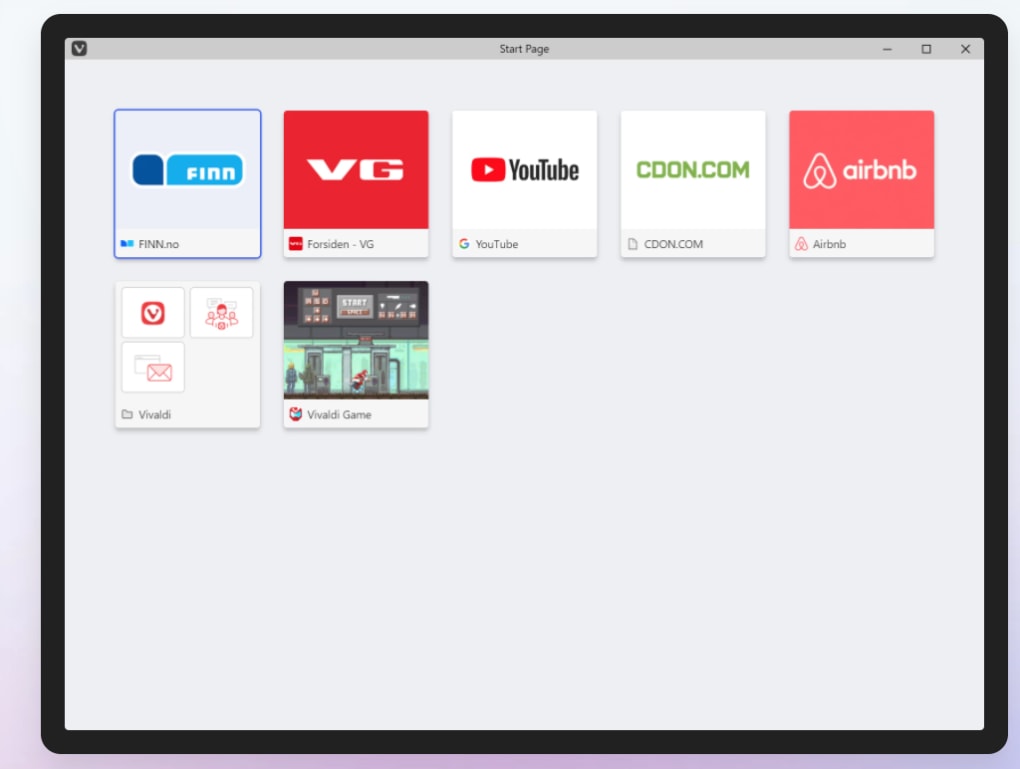
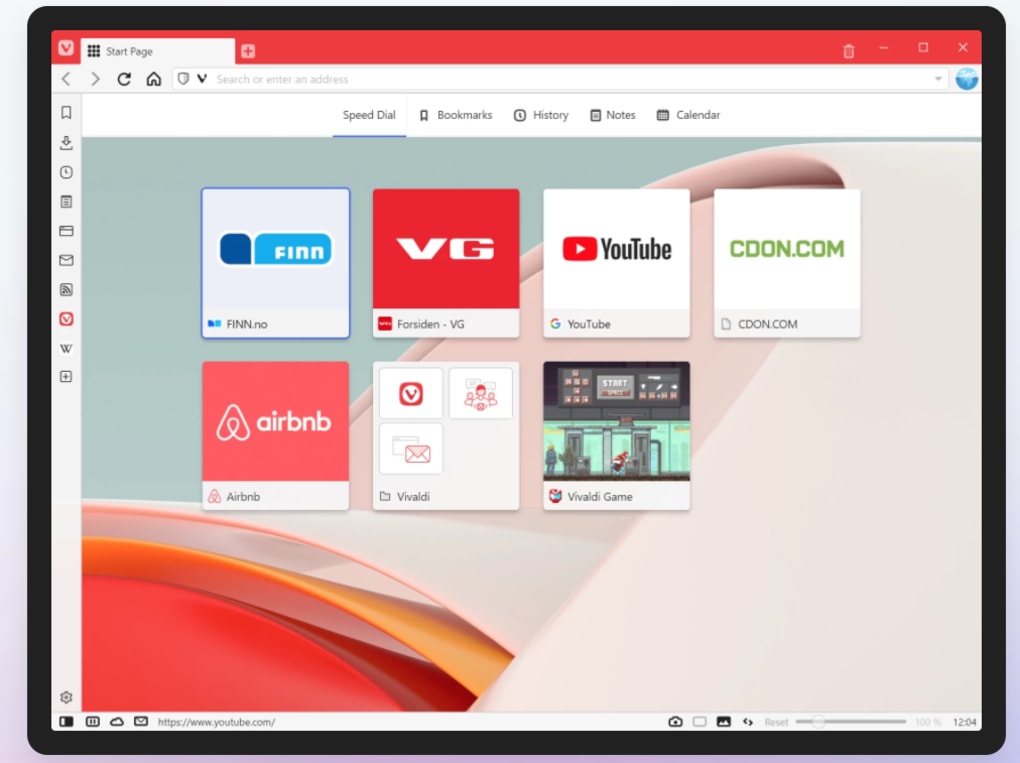
- Speed Dial: Customizable grid of your favorite sites that appears on every new tab.
- Full Chrome Extension Compatibility: Install any extension from the Chrome Web Store.
- Adaptive UI Coloring: Optional feature that changes the browser’s accent color to match the active page.
- Keyboard Shortcut Engine: Create, edit, and assign shortcuts for virtually every command.
- Privacy Dashboard: One‑click clearing of cookies, cache, history, and saved passwords.
- Built‑in Screenshot Tool: Capture full‑page or region screenshots with annotation options.
Installation, Usage, and Compatibility
How to Download and Install Vivaldi
Getting Vivaldi onto your device is straightforward. Visit the official Vivaldi website, click the “Download” button, and the installer will automatically detect your operating system. For Windows users, a .exe file is provided; macOS users receive a .dmg package; Linux users can choose a .deb or .rpm file, or use the universal Snap package. Once the installer runs, follow the on‑screen prompts—accept the license agreement, choose an installation folder (the default works for most), and click “Install.” After installation, launch Vivaldi and you’ll be greeted by a quick setup wizard that lets you import bookmarks, passwords, and settings from Chrome, Firefox, or Edge, making the transition seamless.
First‑Run Experience and Customization
Upon first launch, Vivaldi opens with its default layout: a classic top navigation bar, tab strip, and a Speed Dial page. The “Settings” gear icon opens a streamlined panel divided into categories such as Appearance, Tabs, Privacy, and Keyboard. Here you can immediately change the theme, reposition the tab bar, enable the adaptive UI, and set your default search engine.
The sidebar can be toggled with a single click or via the keyboard shortcut Ctrl+Shift+B. Drag and drop any website onto the sidebar to create a permanent web panel. For users who love keyboard navigation, head to Settings → Keyboard to assign or modify shortcuts—everything from opening a new tab to launching the notes tool can be controlled without ever touching the mouse.
System Compatibility (itemprop="operatingSystem")
Vivaldi runs on all major desktop and mobile platforms. Officially supported operating systems include:
- Windows 10/11 (64‑bit)
- macOS 10.15+ (Catalina and later)
- Linux distributions (Debian/Ubuntu, Fedora, openSUSE, Arch, and others)
- Android 8.0+ (available via Google Play Store)
- iOS 13+ (limited compared to desktop but still offers core features)
The browser automatically updates in the background, ensuring you always have the latest security patches and feature enhancements. On Windows and macOS, updates appear as a discreet notification in the system tray or menu bar; on Linux, you can update via your package manager or the built‑in Vivaldi updater.
Pros and Cons (itemprop="review")
Pros:
- Unmatched tab and UI customization.
- Integrated notes and web panels reduce the need for extra apps.
- Full compatibility with Chrome extensions.
- Privacy‑focused tools are easy to access.
- Fast performance for everyday browsing.
Cons:
- High level of customization can initially overwhelm new users.
- Heavy tab usage may impact performance on low‑end hardware.
- Some advanced features (e.g., adaptive UI) are optional and may feel unnecessary for minimalist users.
- Mobile version lacks a few desktop‑only tools like the sidebar notes.
Frequently Asked Questions
Is Vivaldi free to download and use?
Yes, Vivaldi is completely free for personal use. There are no hidden fees or subscription plans. All core features, including notes, web panels, and extensive customization, are available at no cost.
Can I sync my Vivaldi data across devices?
Vivaldi offers a built‑in sync service that lets you synchronize bookmarks, passwords, notes, and settings between Windows, macOS, Linux, Android, and iOS devices. Simply create a free Vivaldi account and enable sync in the Settings panel.
How does Vivaldi handle privacy and tracking?
Vivaldi includes a privacy dashboard that lets you clear cookies, cache, history, and saved passwords with a single click. It also supports built‑in ad‑blocking extensions and respects Do‑Not‑Track headers. Because it’s based on Chromium, it benefits from the same security updates as Chrome.
Will Chrome extensions work in Vivaldi?
Absolutely. Vivaldi is fully compatible with extensions from the Chrome Web Store. You can install them directly from the store, and they will function just as they do in Chrome.
Is Vivaldi suitable for low‑end computers?
While Vivaldi runs well on most modern hardware, the extensive tab‑stacking and web panels can consume additional memory. On low‑end devices, it’s advisable to limit the number of open tabs and disable non‑essential visual effects to maintain smooth performance.
Conclusion & Call to Action
Vivaldi stands out in a crowded browser market by delivering a truly customizable experience without compromising on speed, security, or compatibility. Whether you’re a developer juggling dozens of tabs, a content creator who needs quick note‑taking, or simply someone who enjoys tweaking the look and feel of your tools, Vivaldi offers a feature‑rich environment that adapts to your workflow. Its free pricing model, seamless Chrome extension support, and cross‑platform sync make it a practical choice for both power users and everyday surfers. If you’ve grown accustomed to Chrome or Firefox but crave more control over your browsing experience, give Vivaldi a try today. Download it now, explore the myriad customization options, and discover a browser that finally puts you in the driver’s seat.
Download Vivaldi now and experience a browser built for the way you browse.







